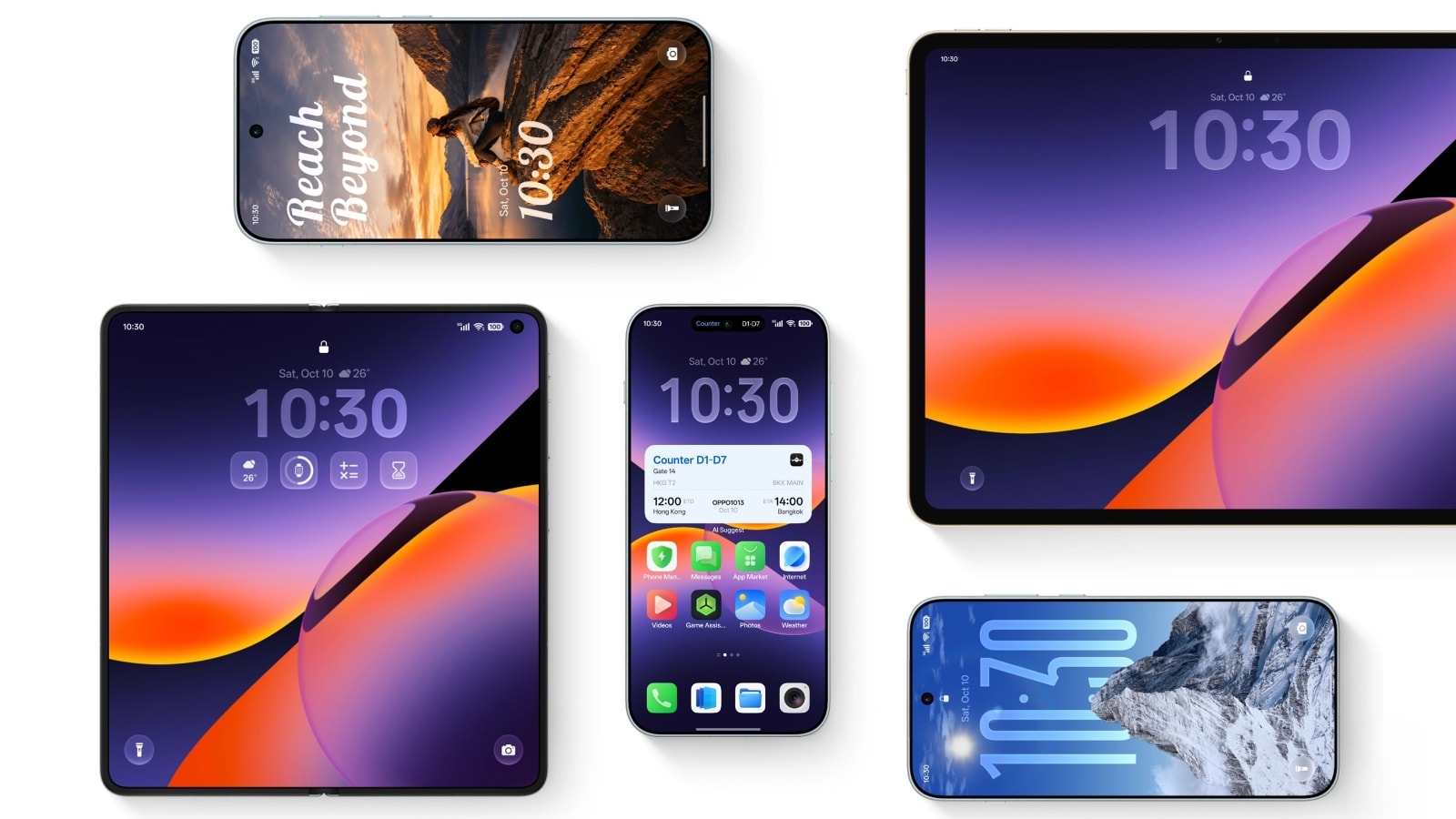
User interfaces rarely change the way we actually use our phones. Most software updates bring minor visual tweaks, a couple of wallpapers, and battery drain that forces you to hunt for charger plugs. But OPPO is shaking up that script. The company just officially pulled the curtain back on ColorOS 17, and it fixes actual user complaints instead of just rearranging settings menus.
If you are tired of bloated software skins that lag after six months, you need to look at what OPPO is doing here. The focus this time around is speed, intelligent privacy controls, and real-world utility that doesn't feel like a gimmick.
Let's break down what is changing, when your device gets the software, and whether it deserves a spot on your primary screen.
A Visual Overhaul That Actually Breathes
Software design tends to swing wildly between suffocating minimalism and cartoonish clutter. With ColorOS 17, OPPO found a comfortable middle ground. The interface feels weightless. Animations transition with a fluidity that honestly rivals iOS, dropping the micro-stutters that used to plague mid-range devices.
Icons have been redrawn with softer geometry, and the notification shade finally makes sense. You don't have to swipe ten times just to turn off your flashlight or adjust screen brightness. Everything is right where your thumb naturally rests.
Artificial Intelligence That Solves Real Problems
Everyone is shoving AI into their operating systems right now. Most of it is useless noise. You ask a chatbot to write a grocery list and call it innovation. OPPO took a different route by embedding AI into security and daily communication tools that you will actually use.
The headline feature is AI Call Guard. Phone scams have gotten terrifyingly sophisticated, with fraudsters using synthetic voices and deepfake video clips to trick people. AI Call Guard runs locally on your device, monitoring calls in real time to catch synthetic voice generation and AI face swaps. When it smells a scam, it flags it immediately. That is practical protection you can't ignore.
Then there is the AI Live Interpreter and improved voice recognition tools. Instead of opening a separate app and waiting for translations, everything happens on the fly during active calls and messaging. It is fast, accurate, and respects your privacy by processing tasks locally whenever possible.
The Global Rollout Schedule
Software updates are usually a guessing game. Brands announce a rollout, and you sit around waiting for months. OPPO laid out a concrete timeline starting October 29, 2026, targeting flagship devices first before working down the line.
Here is how the rollout shakes out:
- October 2026: Flagship powerhouses get the first wave. This includes the Find N6, Find N5, Find X9 Ultra, Find X9 Pro, Find X9, Find X8 Pro, Find X8, along with select Reno16 models like the Reno16 Pro 5G and Reno16 5G.
- November 2026: The update expands to foldables like the Find N3 and Find N3 Flip, alongside the broader Reno15 lineup, Reno14 series, and select K and F series hardware.
- December 2026: Reno13 devices enter the mix, accompanied by K13 series phones and various OPPO Pad tablets including the Pad 3 Pro and Pad 5.
- Q1 2027: Older foldables like the Find N2 Flip, Reno12 series, and remaining F-series hardware catch the final wave.
If you are running a recent flagship, you won't have to wait long. If you are on an older mid-range device, patience is required.
Enhanced Privacy and Transparency Reports
Nobody reads privacy policies because they are written by lawyers to protect corporations. OPPO is trying a different approach with a brand-new Transparency Report built straight into ColorOS 17.
The system gives you a direct readout showing which AI services accessed your data, when they ran, and what operations took place. You can view this right on your phone and export it whenever you want. On top of that, new post-quantum security capabilities in private cloud computing use dual-encryption mechanisms to protect data transmission against future threats.
What You Should Do Next
Check your update settings right now. If you are rocking an eligible device from the Find or Reno series, make sure your backups are running smoothly before October 29. Clear out old apps that hog your storage, and ensure you have at least 10 gigabytes of free space ready for the installation package. OPPO built a genuinely fast, secure system this time around, and you want your hardware ready to handle it.