Eleven hours of Grand Theft Auto VI gone because a foot brushed a power strip switch. That hurts to even read.
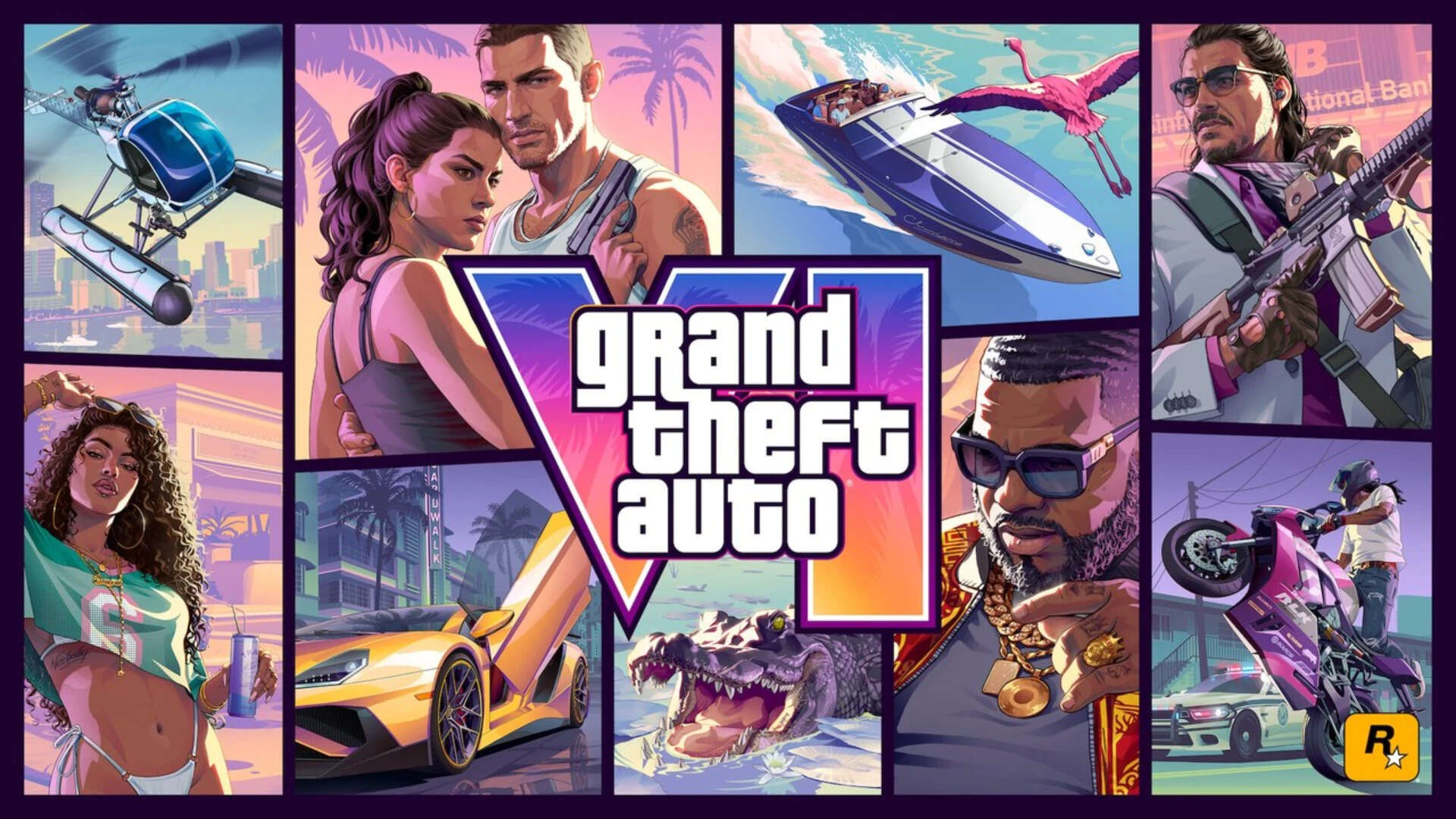
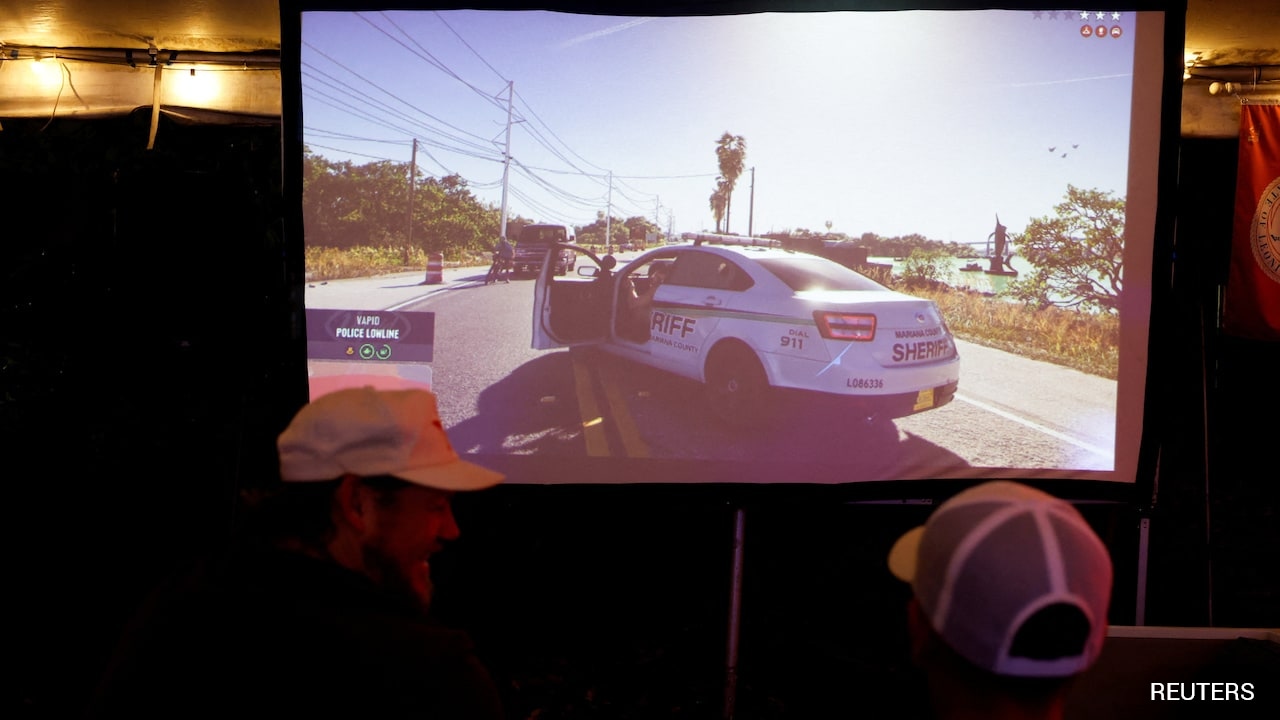
Streaming from a rented Airbnb in Miami ahead of GTA 6's November 19, 2026 launch, YouTube and Twitch creator JasonTheWeen was deep into a marathon session when his stream cut out and his PlayStation 5 lost power. When he got back in and loaded the game, he wasn't staring at his mission checkpoint or his current chapter in Leonida. He was looking at the opening sequence and the prologue all over again. Seconds later, while he was still reeling on stream, police arrived outside the property, sparking immediate chatter online that he'd been swatted.
It's a nightmare stack of bad luck: a brutal save loss on one of the biggest games ever made, followed instantly by real-world law enforcement showing up at a live broadcast location. Let's break down what actually happened, why a sudden power cut can wreck a save file, what's true versus speculative about the swatting claims, and how you can keep your own GTA 6 run safe.
How a Power Cut Wipes Hours of GTA 6 Progress
At first glance, losing an entire 11-hour stretch because a console loses power sounds crazy. Modern games autosave constantly, right?
Sort of. And that's where people get burned.
In GTA-style open-world games, autosaving typically triggers at specific milestones—like finishing a mission, changing outfits or gear, or hitting certain transition points—rather than every second while you're driving around or in the middle of a sequence. Even more importantly, if a console loses power while data is actively being written to storage, a save file or cache state can become corrupted or fail to load cleanly. When the game boots back up and can't read a valid recent checkpoint, players often find themselves kicked back to an earlier point—or in JasonTheWeen's case, straight back toward the beginning.
Jason explained after the shutdown that he initially wondered if his PC was the issue before realizing his foot had hit a switch on an extension cord connected to his PS5. Waking up early for a marathon session makes spatial awareness rough—especially in a temporary space like a rented Airbnb where cables aren't wired the way they are at home. Once the console dropped without a clean shutdown, his emotional reaction on stream was instant disbelief, followed by public pleas on X tagging Rockstar Games, Sony, and PlayStation asking if there was any way to pull him back to Chapter 2.
Here's the hard truth from experience: developer support almost never manually restores single-player campaign progress for an individual player. Even when a creator with over a million subscribers tweets at major studios and publishers, customer support teams don't reach into a personal console save state and drop an account at a specific story chapter. You can check cloud backup options or system save settings, sure, but if no intact newer save exists, you're usually looking at replaying or leaning on a friend to help power through familiar ground. Reports around the incident even noted him bringing in friend YBG to help push back through parts of the run after restarting.
The Police Visit and Swatting Claims
Right on the heels of the save meltdown, the vibe on stream shifted from gamer rage to real-world tension. Clips circulating online captured Jason reacting to shouting outside and telling viewers that police were outside asking him to come out before he stepped away from the camera to deal with them.
Almost immediately, viewers and social media posts labeled it a swatting incident.
Let's be careful and clear about what we actually know. Swatting—making a false emergency report to dispatch armed officers or law enforcement to someone's address—is a serious, dangerous problem that streamers face whenever clues about their city, neighborhood, or temporary stay leak during a broadcast. Streaming from a short-term rental like an Airbnb doesn't automatically make someone immune, especially when clips, timestamps, or background details are scrutinized by bad actors online.
That said, there has been no official confirmation that the police response at the Miami Airbnb was caused by a swatting call. Online clips and viewer speculation drove the swatting narrative, while law enforcement details confirming a false report weren't publicly verified in initial coverage. Calling every unexpected police visit "swatting" before facts are confirmed is a classic internet shortcut. Treating it as an unconfirmed claim—while still recognizing how stressful and risky an unannounced police presence is during a live stream—is the straight, honest way to look at it.
Mistakes Players Make With Console Saves and Power Setups
Honestly, watching a marathon session blow up like this brings up habits I've seen trip up players for years. When you're locked into a story and burning daylight, save hygiene is the last thing on your mind—until it's too late.
- Relying 100% on autosave: Autosaves are convenient, not a vault. If an autosave overwrites your one active slot right as power flickers, you lose your safety net.
- Using a single save file: Keeping just one save slot is basically daring fate. Rotating across two or three manual save slots gives you a fallback if something glitches or corrupts.
- Putting power switches where feet wander: Extension cords with big illuminated rocker switches sitting on the floor are notorious traps during long sessions. Taping a switch guard, routing strips out of foot zones, or using a surge protector in a less exposed spot prevents dumb accidents.
- Ignoring PS5 shutdown and cloud sync behavior: Pulling power or cutting a power strip skips the PS5's proper system shutdown routine. Plus, automatic cloud save uploads don't always run the exact second you want them to unless you verify sync status or manually upload before stepping away.
Practical Next Steps to Protect Your GTA 6 Run
You don't need complicated gear to avoid learning this lesson the hard way. A few simple habits take less than a minute and save you from starting over:
- Create multiple manual saves: Whenever you finish a major mission, hit a story turning point, or wrap up a long stretch of free roam, drop a manual save into a separate slot. Don't overwrite the same file every single time.
- Check PlayStation Plus cloud saves: Make sure cloud save sync is enabled for Grand Theft Auto VI on your PS5, and periodically check your saved data status so you know a recent backup is actually sitting in the cloud.
- Lock down your power setup: Move exposed power strips out from under your desk or feet, avoid accidentally bumping switches, and always shut down or enter Rest Mode properly through the console menu instead of cutting power.
- Take real breaks on marathon days: Long sessions dull your reflexes and awareness. Stepping away for ten minutes to stretch, hydrate, and save your game helps your focus and keeps you from kicking a cable when you stand up.
Lost save data stings because you can't get those hours back—but building a two-minute saving routine right now means a stray foot or sudden power glitch won't send you all the way back to square one.